

Shopify Translate Product Images in Dawn Theme
August 3, 2025
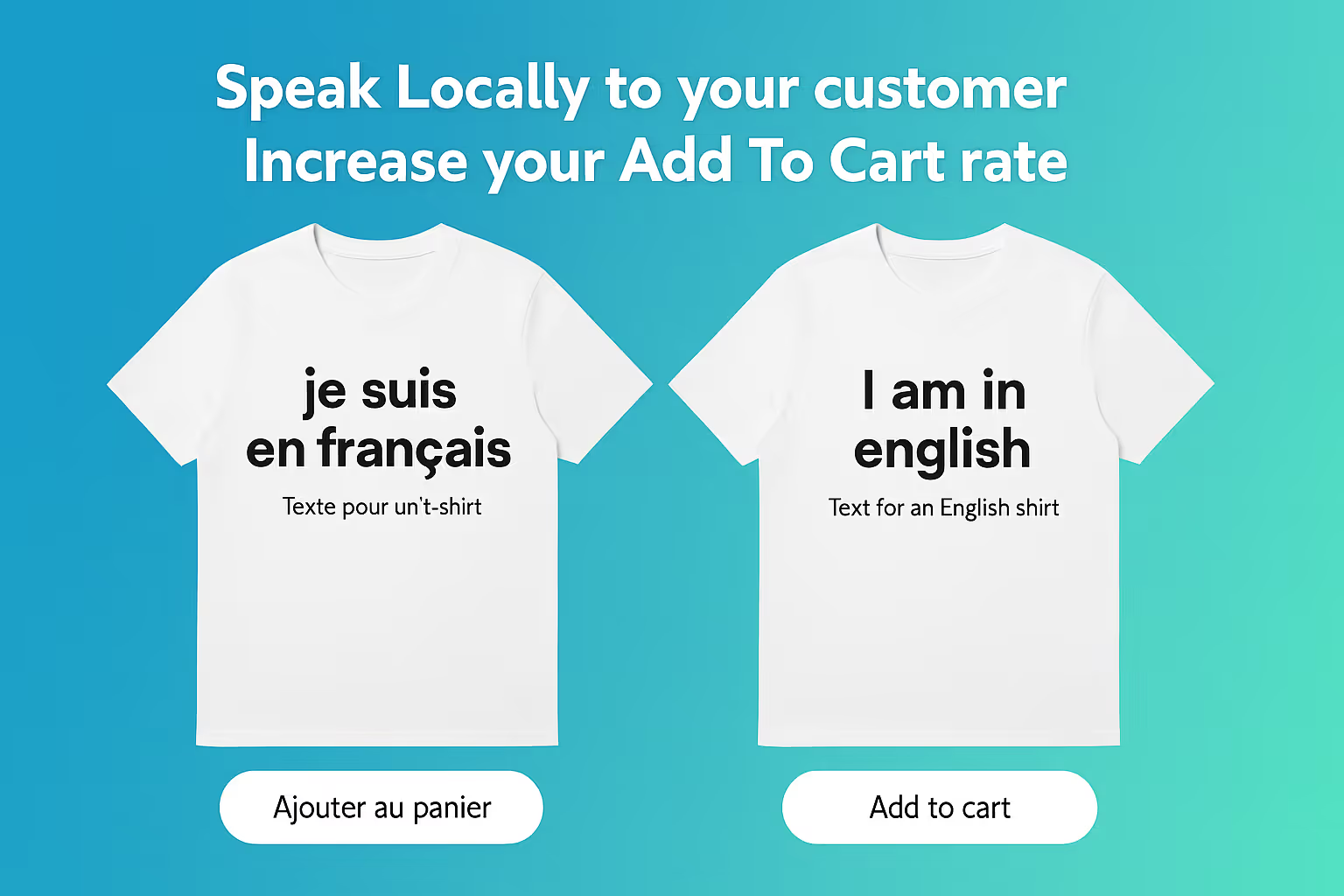
Imagine your French visitors landing on your Shopify store and instantly feeling it was built just for them—no plugins, no heavyweight apps, just a few lines of Liquid. In under 5 minutes, you’ll:
Delight visitors with images that speak their language
Keep maintenance simple using one metafield list
Future-proof your theme for any locale you add
Ready? Let’s dive in.
1. Create Your “French Images” Metafield
In Shopify Admin, go to Settings → Metafields → Products.
Click Add definition.
Name it
custom.french_images, choose Files, and check List.Save, then upload one or more French-specific images per product.
Benefit: All your French visuals live in one neat list—no extra code or convoluted settings.
2. Swap Your Main Gallery
Open sections/main-product.liquid and replace your media assignment with:
{% if request.locale.iso_code == 'fr' and product.metafields.custom.french_images %}
  {% assign display_media = product.metafields.custom.french_images.value %}
{% else %}
  {% assign display_media = product.media %}
{% endif %}

{% for media in display_media %}
  {% render 'product-media-item', media: media %}
{% endfor %}
Lines 1–3: If visitor is French and you’ve uploaded files, use them.
Lines 5–7: Otherwise, fall back to your default product media.
Loop: Dawn’s
product-media-itemhandles both file and native media out of the box.
Benefit: In one snippet, you’ve created a dynamic, locale-aware gallery.
3. Swap Your Card Featured Image
To localize product cards, edit snippets/card-product.liquid:
1{%- if card_product.featured_media -%}
2  {% assign french_file = card_product.metafields.custom.french_images.value | first %}
3  <div class="card__media…">
4    <div class="media media--hover-effect">
5      {% if request.locale.iso_code == 'fr' and french_file %}
6        <img src="{{ french_file | image_url: width:533 }}" …>
7      {% else %}
8        <img src="{{ card_product.featured_media | image_url: width:533 }}" …>
9      {% endif %}
10      {%- if card_product.media[1] and show_secondary_image -%}
11        <img src="{{ card_product.media[1] | image_url: width:533 }}" …>
12      {%- endif -%}
13    </div>
14  </div>
15{%- endif -%}
Line 2: Grab your first French file.
Lines 5–11: Branch on locale to choose the right
<img>source.Secondary Image: Unchanged—Dawn handles it for you.
Benefit: Card images switch in sync with your gallery, giving a consistent local experience.
4. Test It!
Switch your storefront to French.
Visit any product page and collection card—voilà, French images!
Flip back to English to confirm your default media returns seamlessly.
Can’t Tackle This Yourself? We’ve Got Your Back
Not a Liquid wizard? Too swamped to code? FireNet Designs is your anti-agency solution. We’ll:
Handle every snippet, upload your metafields, and thoroughly test.
Deliver in 24–48 hours, so you can keep running your business.
Guarantee a stress-free process—no surprises, just local images live on your site.
“I had a bigger project that was very overwhelming for me, Justin was very professional and was able to answer all my questions. I love the aesthetic of what he presented to me. Everything was beautifully done.”
— Tiffany, A Happy Business Owner
Ready to delight your French shoppers without lifting a finger?
👉 Contact FireNet Designs today for a free consultation and let us bring your Dawn theme to life—locally.
Happy localizing! 🎉